Muse’s VM
Recently, after a long quiet stretch, Meta has pushed back into AI with its personal assistant, Muse (I even gave it a Halloween costume).

Having used it for a while, I find it quite similar to OpenClaw and Workbuddy, but it genuinely lowers the barrier for ordinary people to connect with AI. Even as a professional coder, I have to admit it’s convenient — it has already largely replaced the OpenClaw service I used to host myself.
Back when I deployed OpenClaw, the configuration alone was a headache. On top of that, the project iterates fast and its config files often make no promise of forward compatibility, so a major upgrade would very likely break things in various ways, and I would often just reset everything to keep it clean. The consequence was that after every OpenClaw upgrade, all my accumulated habits were wiped out and I had to start from scratch. It’s hard to imagine OpenClaw being friendly to non-technical users at all.
Muse runs in a VM on Meta’s cloud. According to Muse itself, Meta gives free users about 100GB of storage. Users don’t need to deploy anything themselves — sign up and you automatically get a VM with Muse deployed on it, which is very convenient. Upgrades and maintenance of Muse are all handled inside Meta’s VM, invisibly to the user. Even better, Muse needs no configuration of third-party LLMs (nor does it support any) — Meta takes care of everything with its own models.
All the user has to do is install the Muse app, sign up, and log in to enjoy the convenience; the rest of the chores all happen on Meta’s cloud.
One more thing worth mentioning: Meta’s free token allowance is generous. I use Muse for heavy development work, and the free allowance is still enough.
Accessing Your Own Computer
Muse runs on a VM in the cloud, with the following specs:
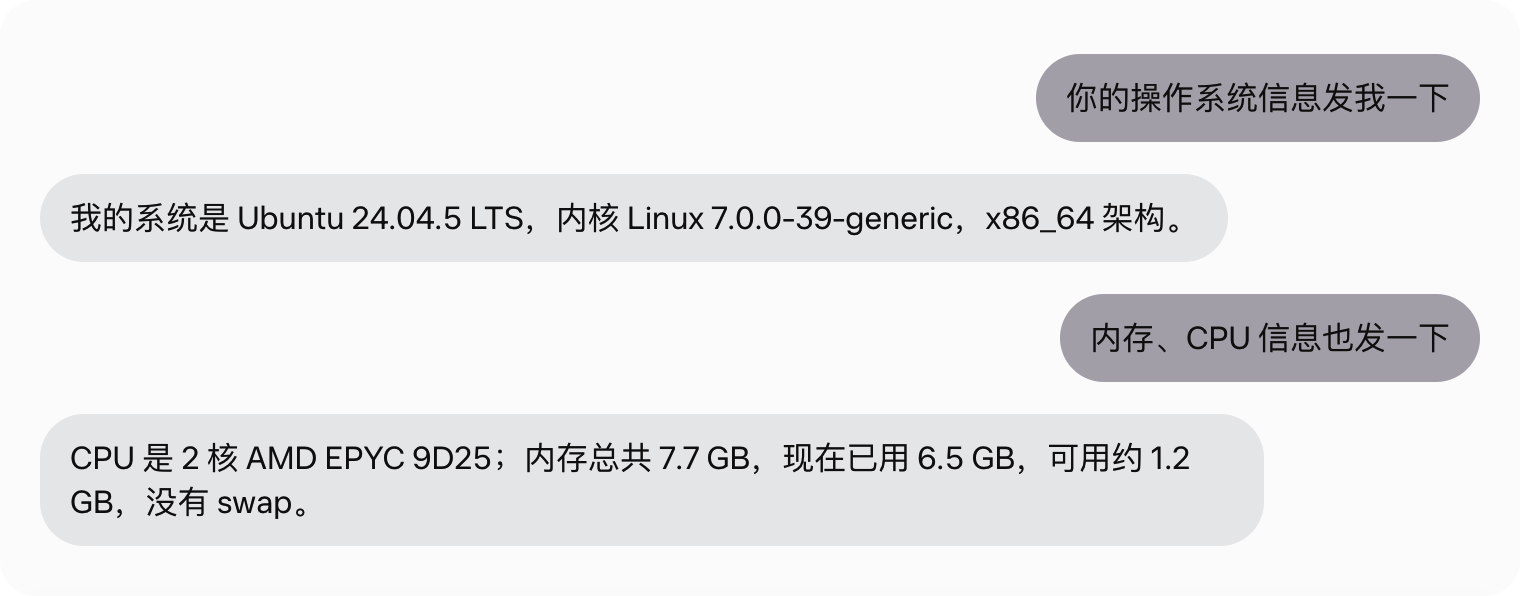
- OS: Ubuntu 24.04.5 LTS
- Kernel: Linux 7.0.0-39-generic
- Architecture: x86_64
- CPU: 2-core AMD EPYC 9D25
- Memory: 7.7 GB
That looks fairly tight on resources.
According to Muse’s own description, the VM Meta allocates to a user is not resident either — it may be reclaimed and re-allocated when you use it. That also means you can’t simply use the Muse environment for persistent tasks; scheduled jobs that depend on crontab, for example, would probably be reset.
Given the Muse VM’s tight resources, and that it isn’t persistent, it’s best to keep the Muse VM clean, purely as Muse’s working environment. If you want Muse to do heavier development work, you need to let Muse access your own computer. Muse has a built-in Tailscale virtual network service — you just register an account on its website, then invite Muse and your own computer to join the same network.
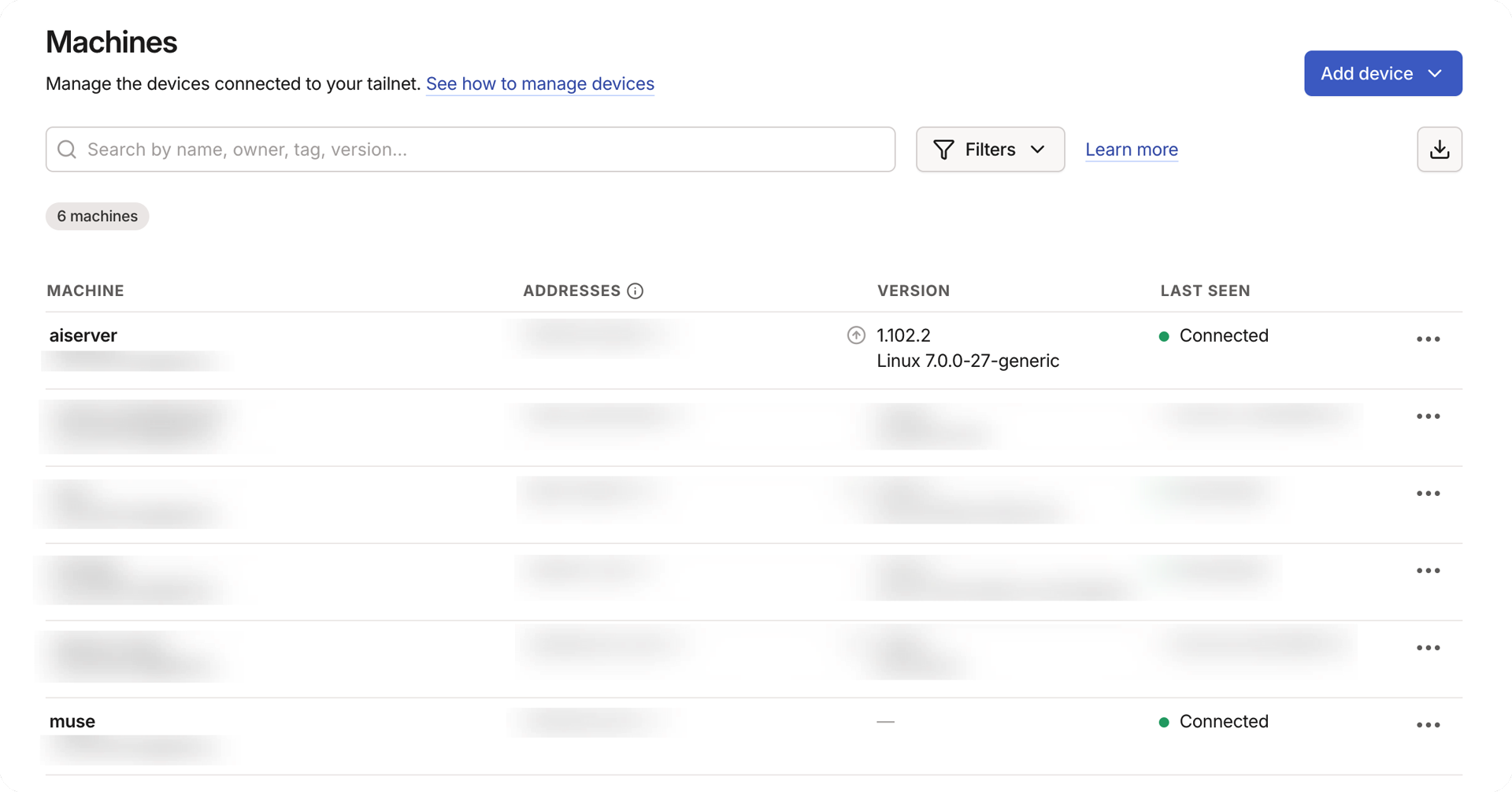
Then give Muse an account on your computer, and it can log in over SSH and use your local machine as its development environment.
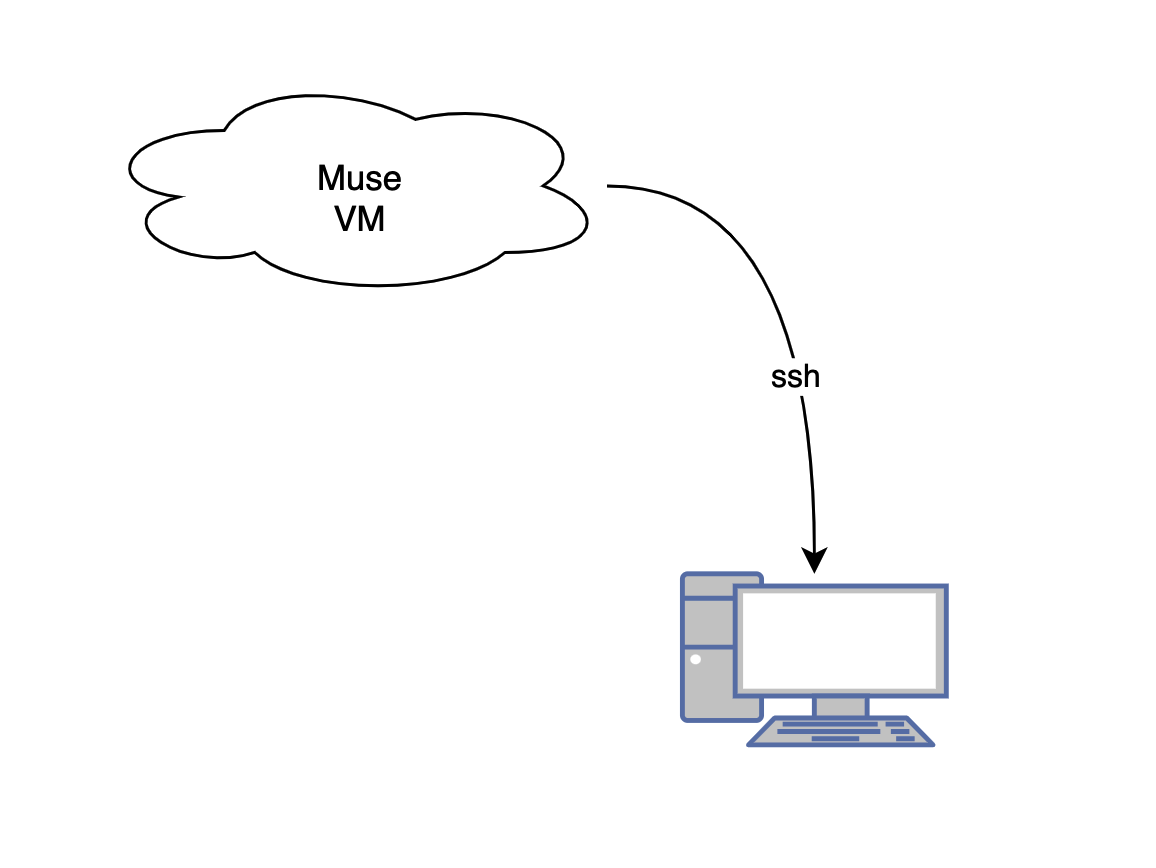
Some people online are now having Muse handle porting Switch games to the Mac this way, letting Muse access the Mac, and the results are reportedly quite good.
The Experience
Muse’s overall experience is similar to Workbuddy and OpenClaw. Its multitask parallelism and planning are good — personally I think they are well ahead of the other two — and it can complete very long jobs under supervision. Because Muse runs in its own VM, risks are more contained, and long tasks require very few approval steps; most of the time you can basically leave it alone, which deserves praise.
Muse runs Meta’s own models under the hood. The free version’s coding ability is decent — I used it to write my own new blog system and its accompanying content-management service, both to a very high level of completion, and fast. As a free lunch, I’d give it 9 out of 10.